Catholic Daily Readings Journal — 2027
Every date already in place. Just open and write.
$17Instant download · 2027 · tablet + phone
See what's inside

1 / 22
Special Education
Your caseload, your goals and your minutes — in one place that never expires.
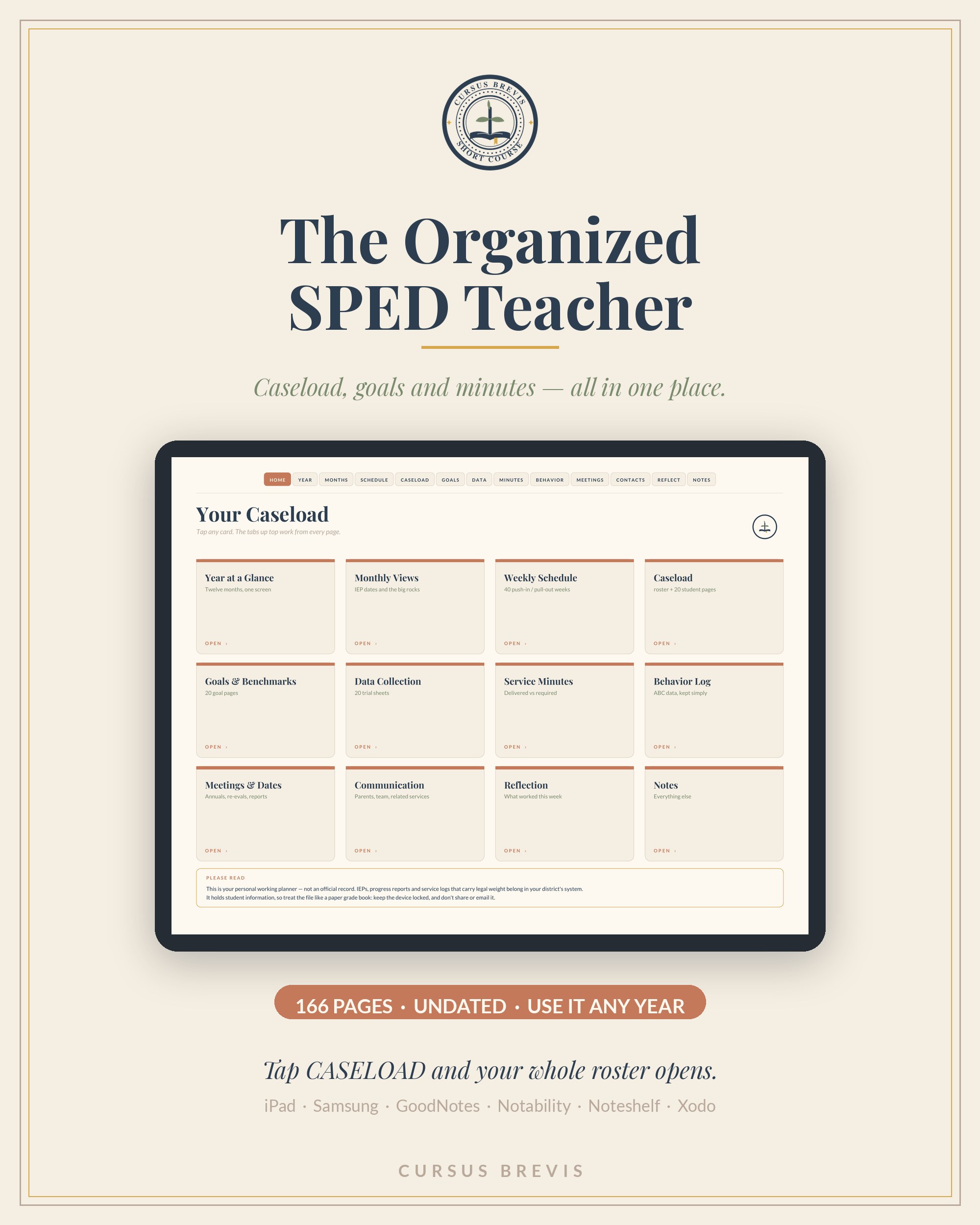
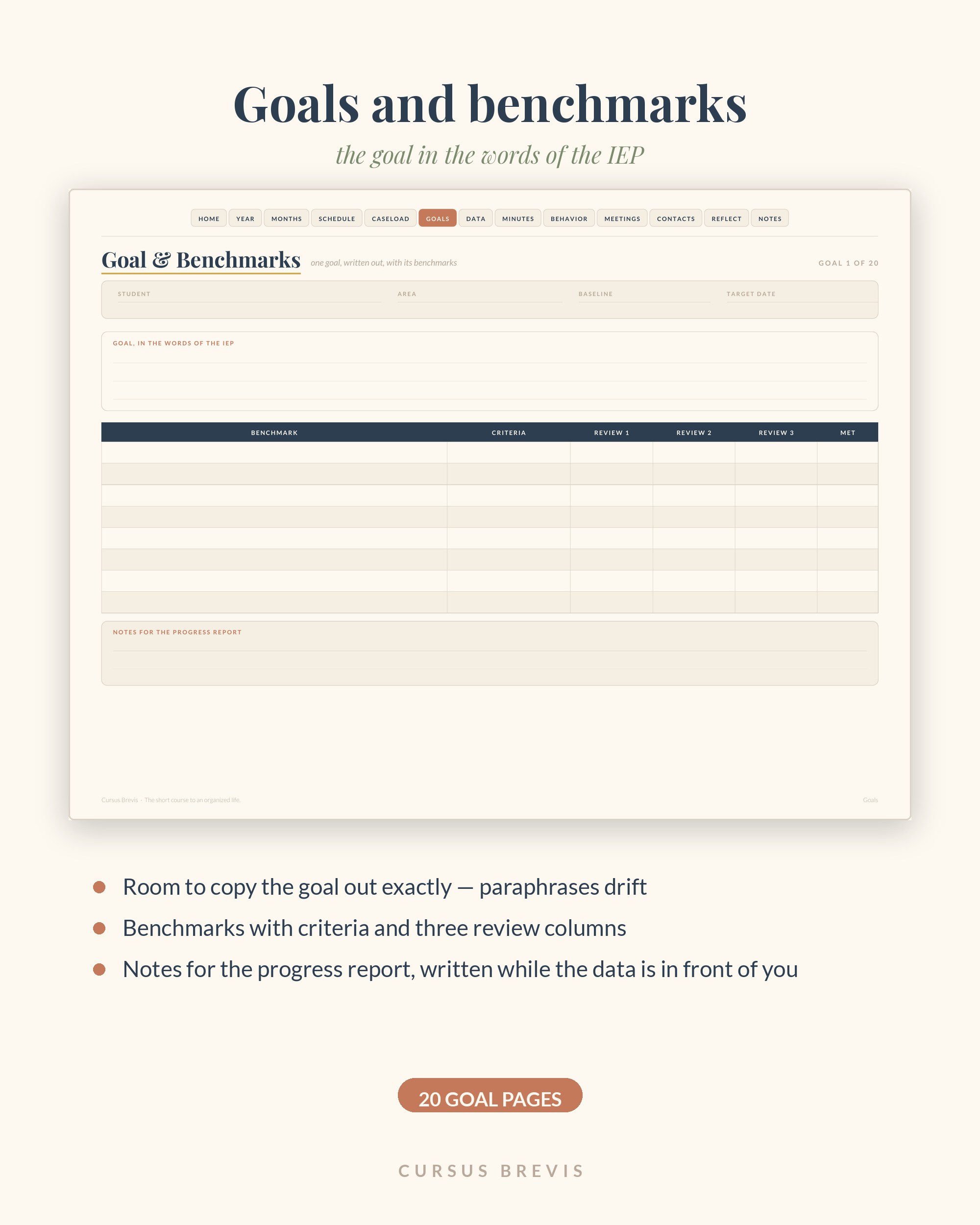
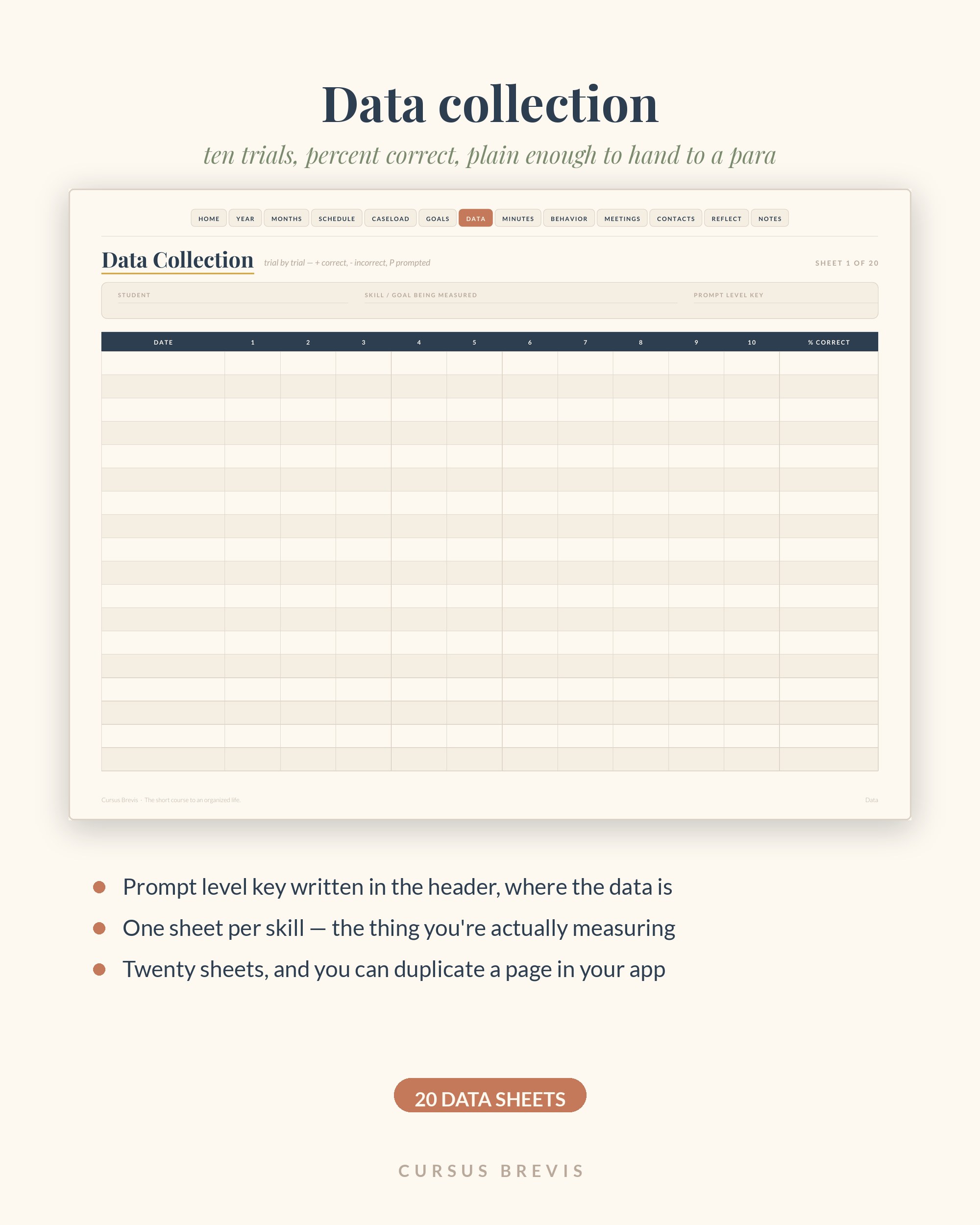
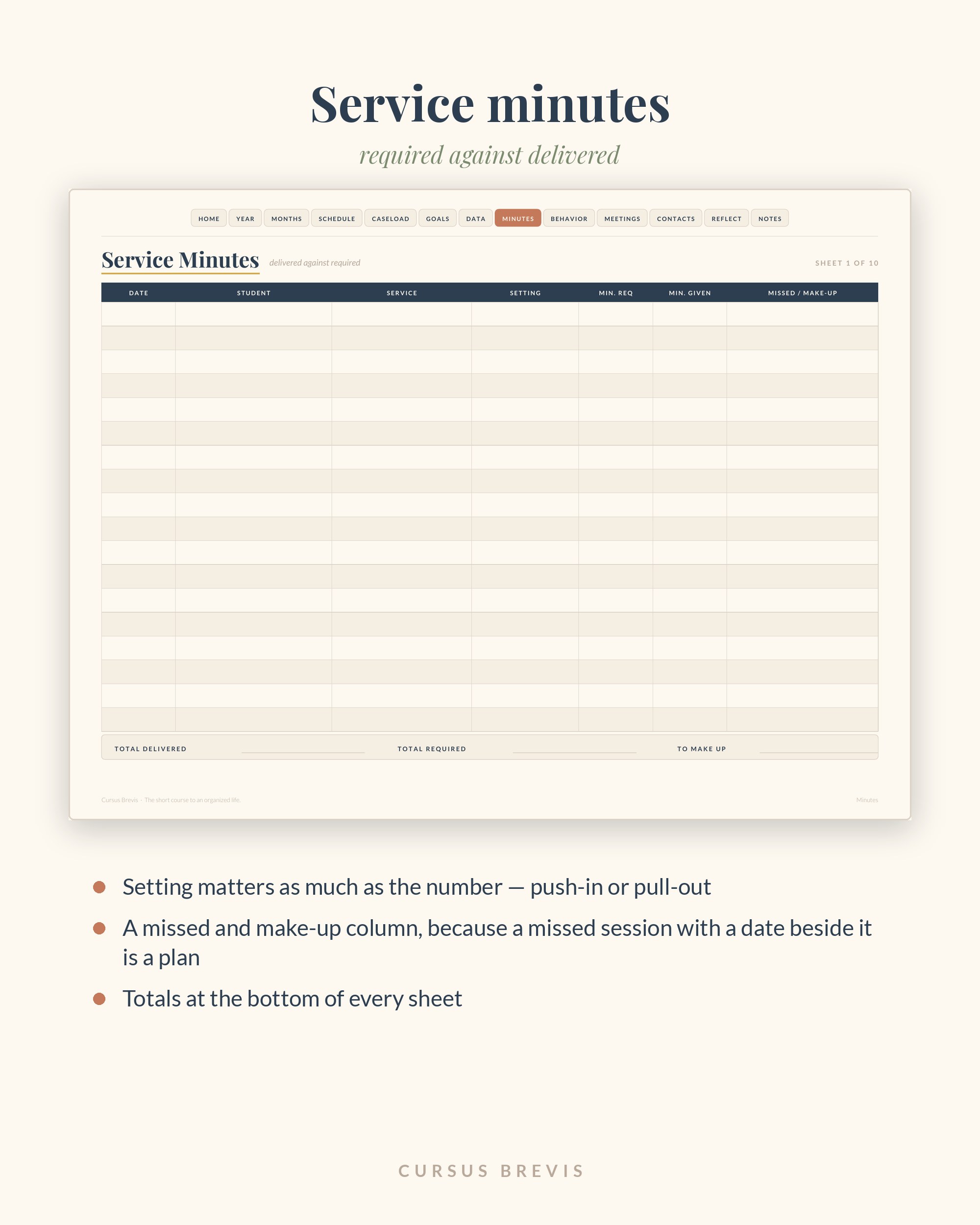
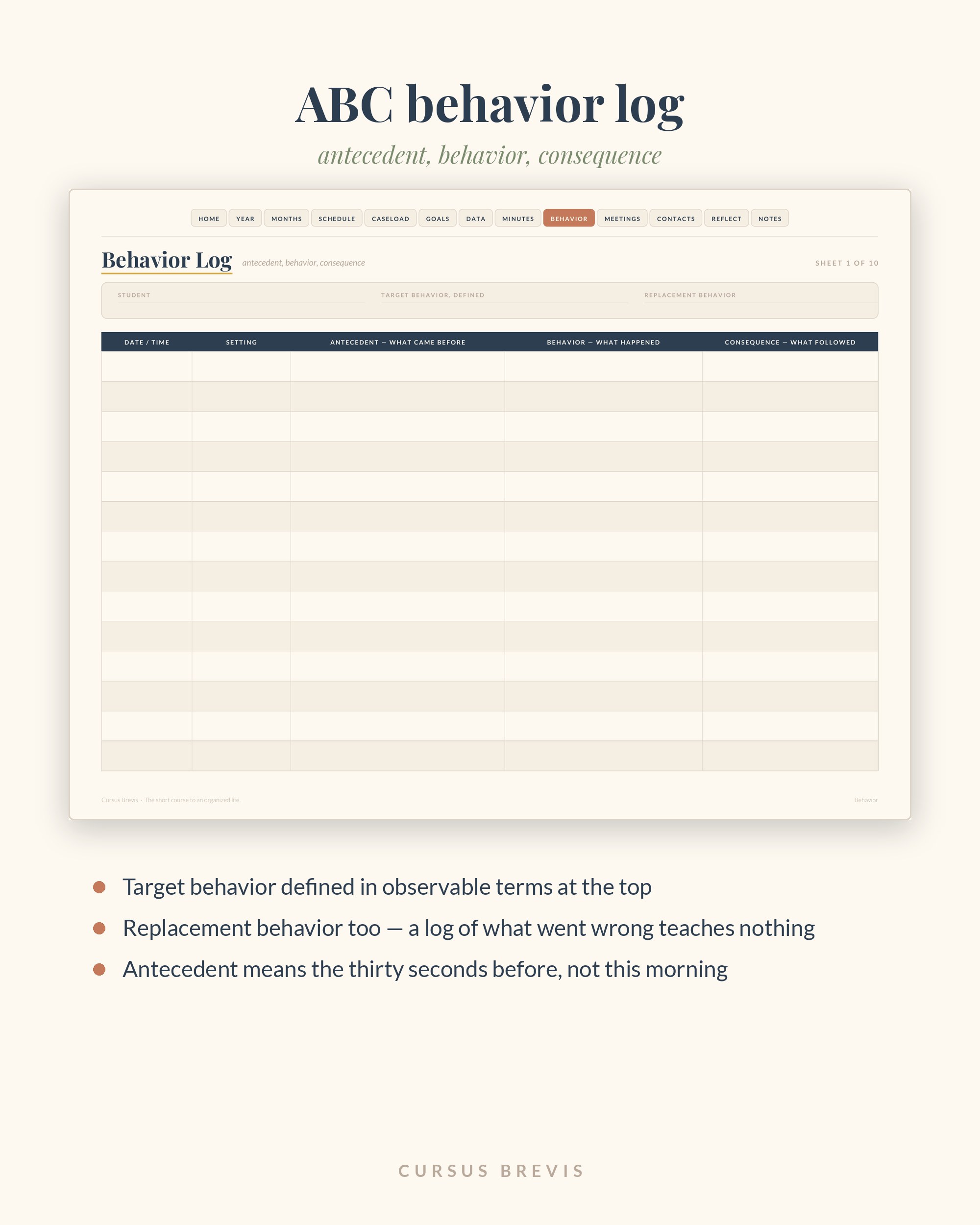
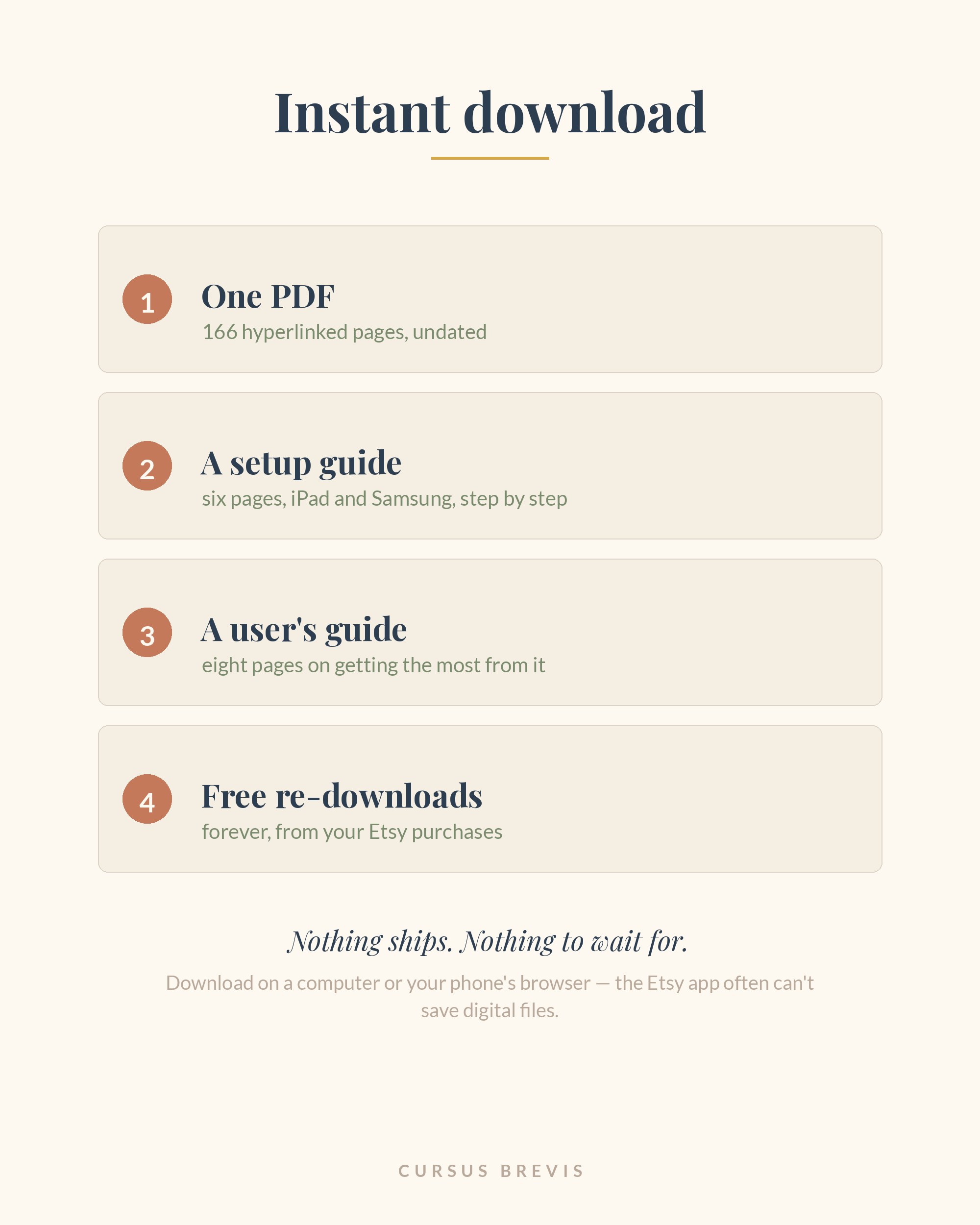
For the special education teacher who wants their caseload, goals and minutes in one place. 166 hyperlinked pages, undated — plus a setup guide and a user's guide. Works on any device.
$19Instant download · undated, never expires
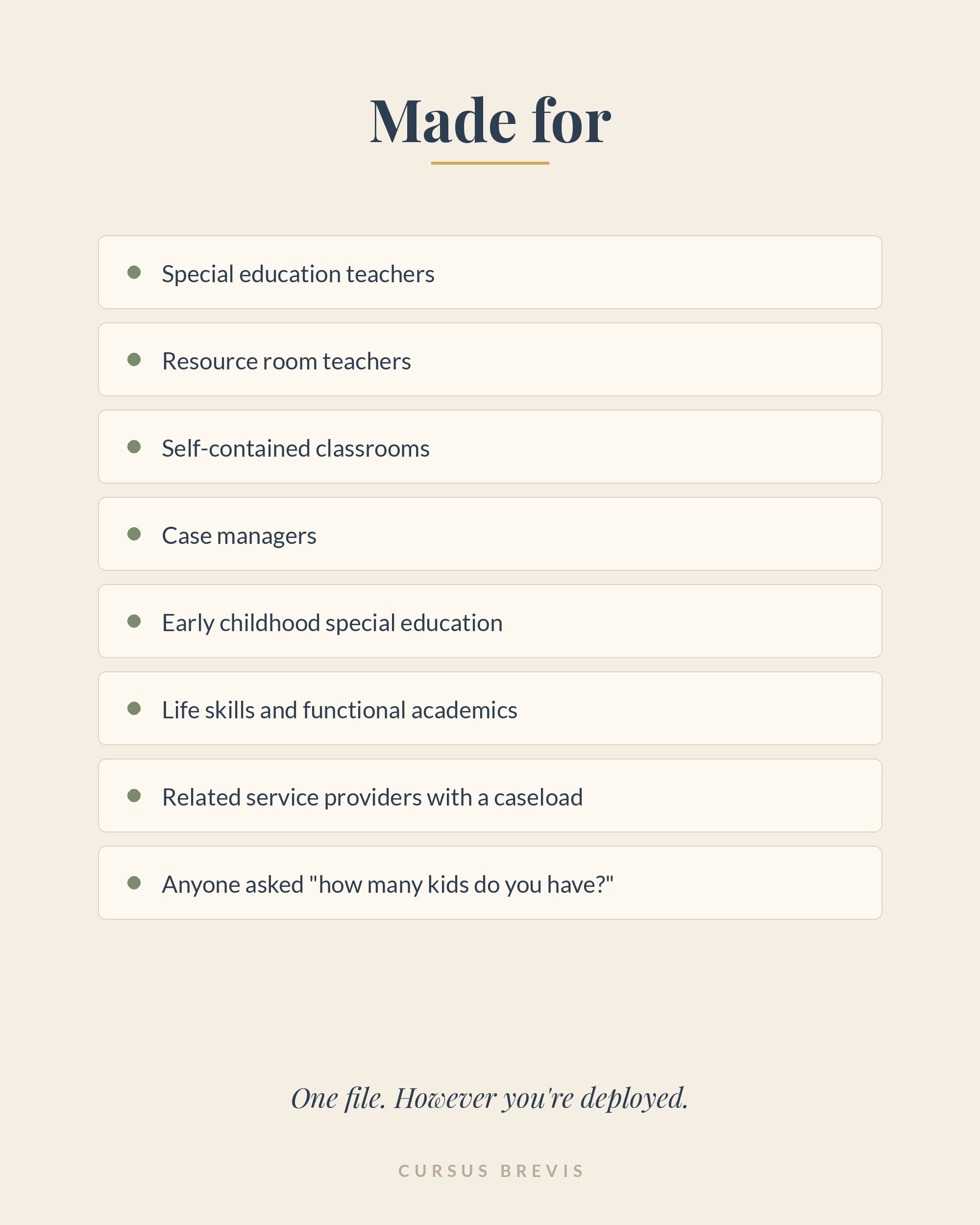
Who it's for: special education teachers, resource room and self-contained teachers, case managers, early childhood special education, life skills and functional academics teachers, and related service providers who carry a caseload.
Special education absorbs everything. The paperwork expands to fill whatever time you give it, and most planners make that worse by asking you to fill in more.
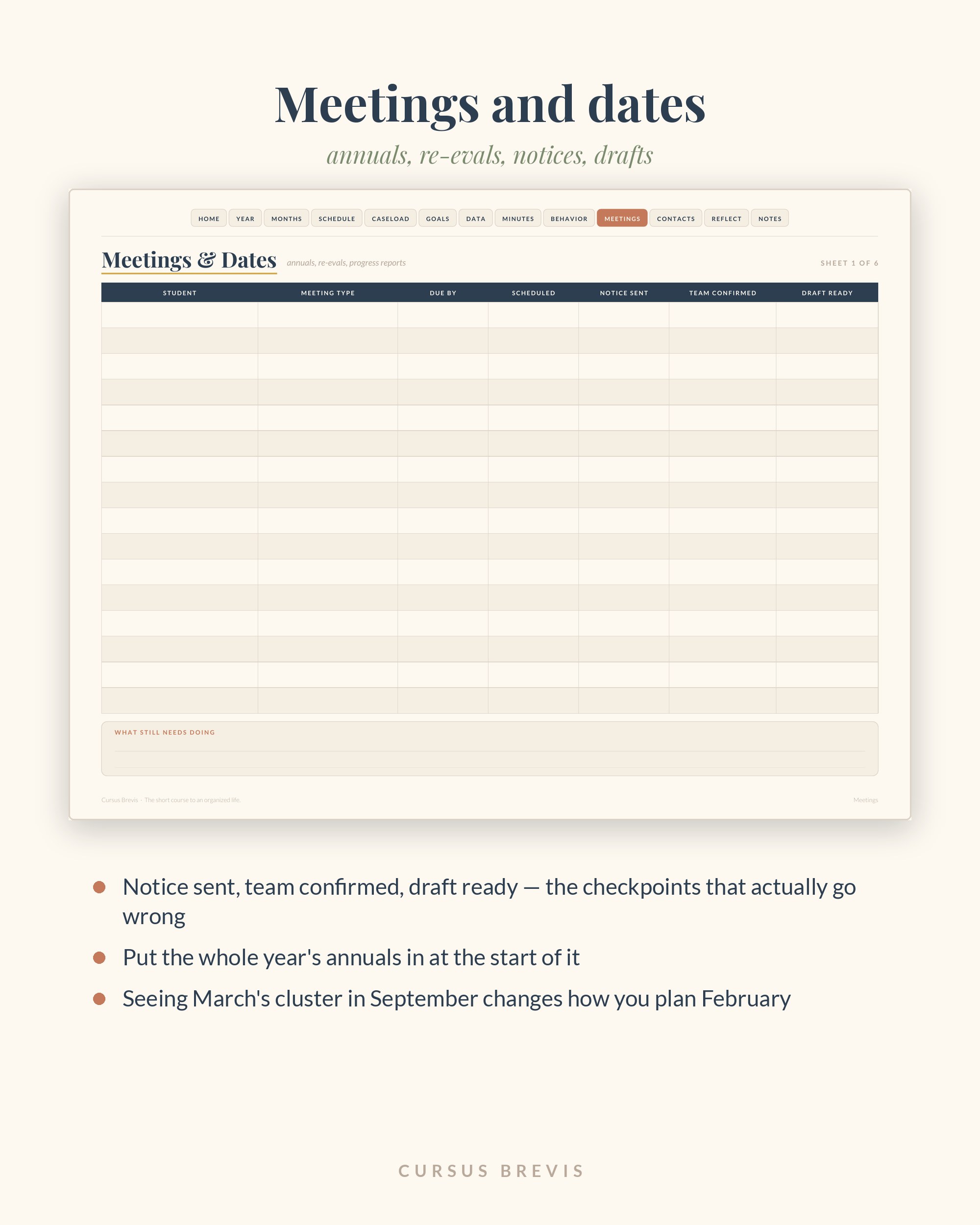
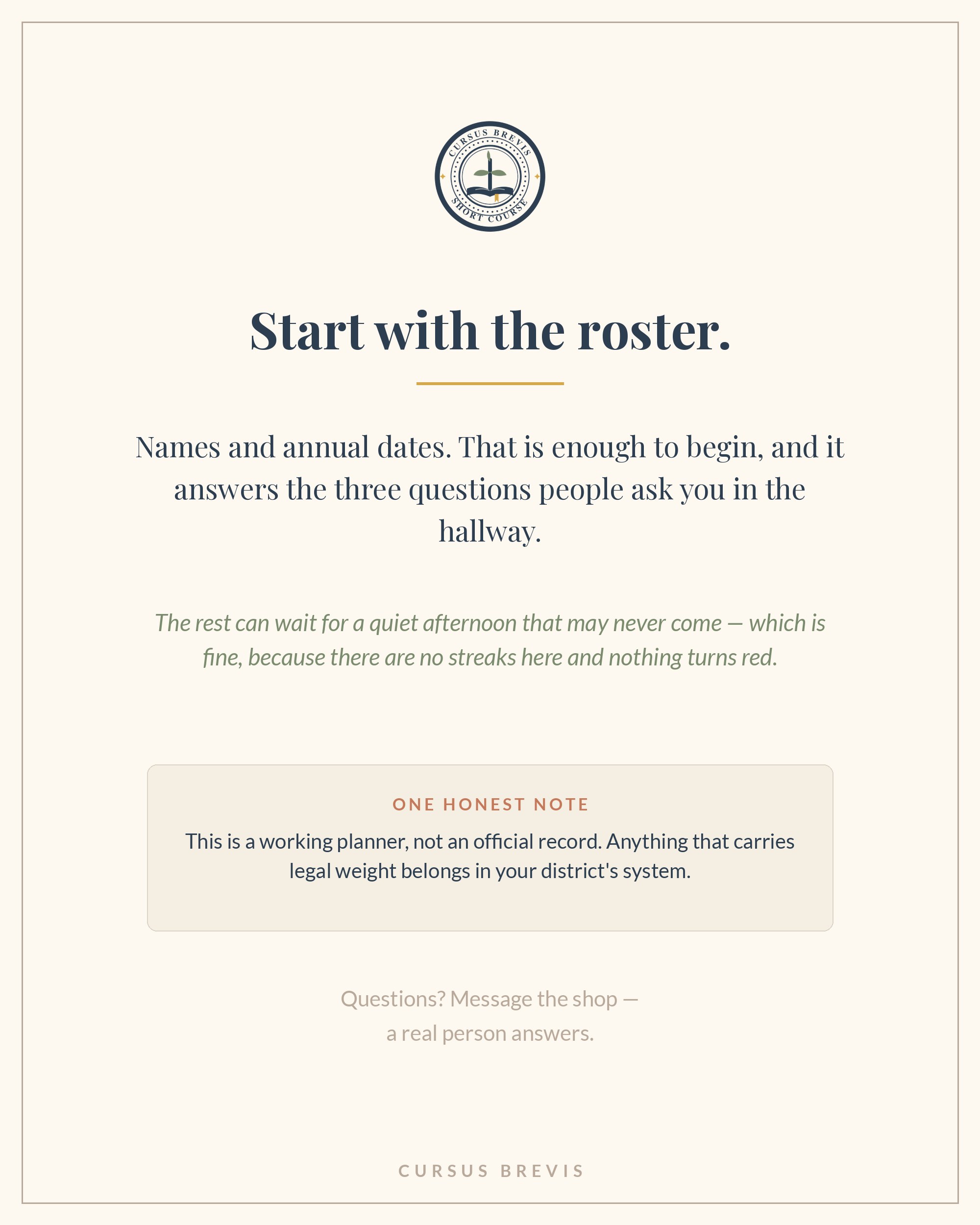
This one asks for the roster. Names and annual dates. That's enough to start, and the rest can wait until a quiet afternoon that may never come — which is fine, because there are no streaks here and nothing turns red.
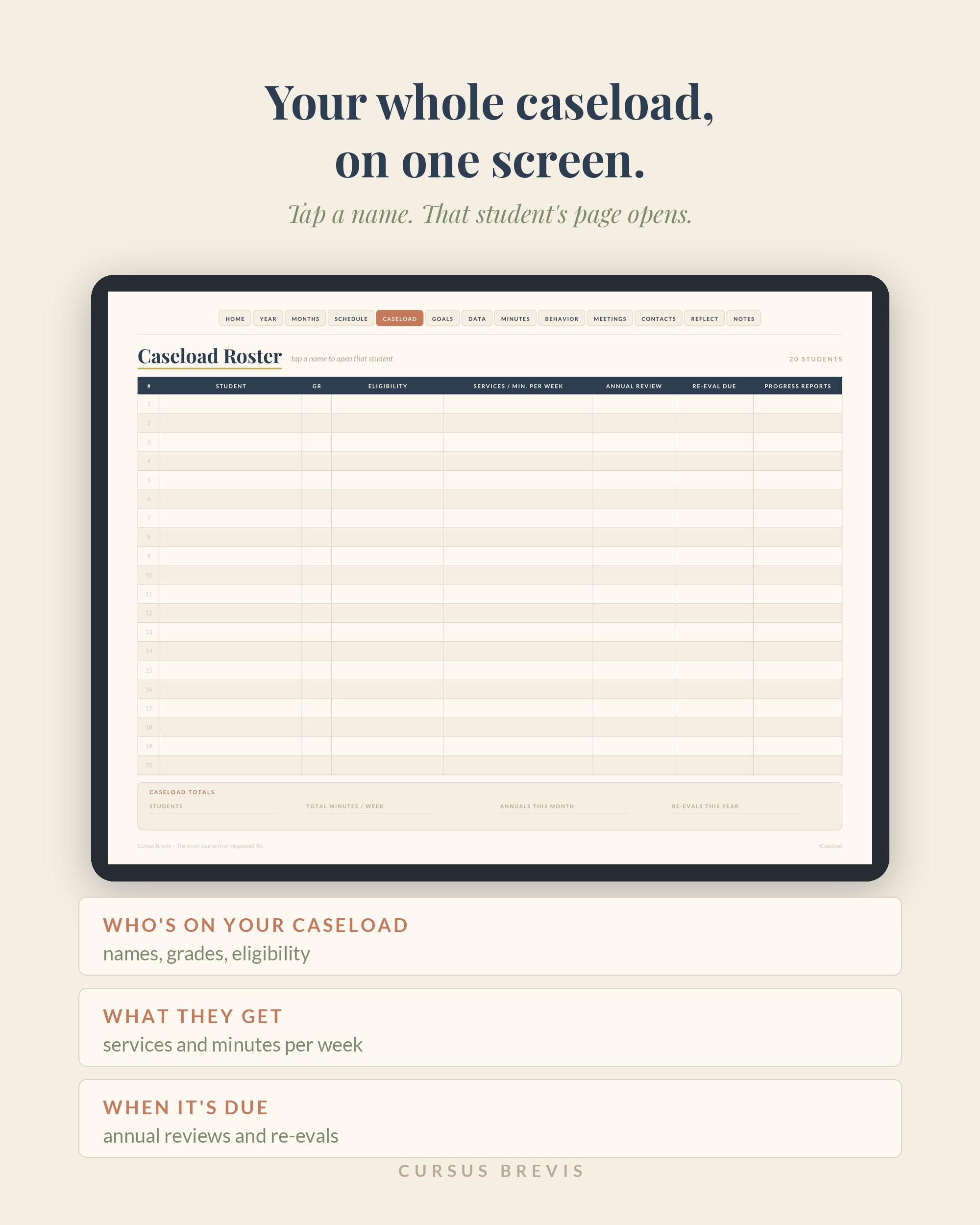
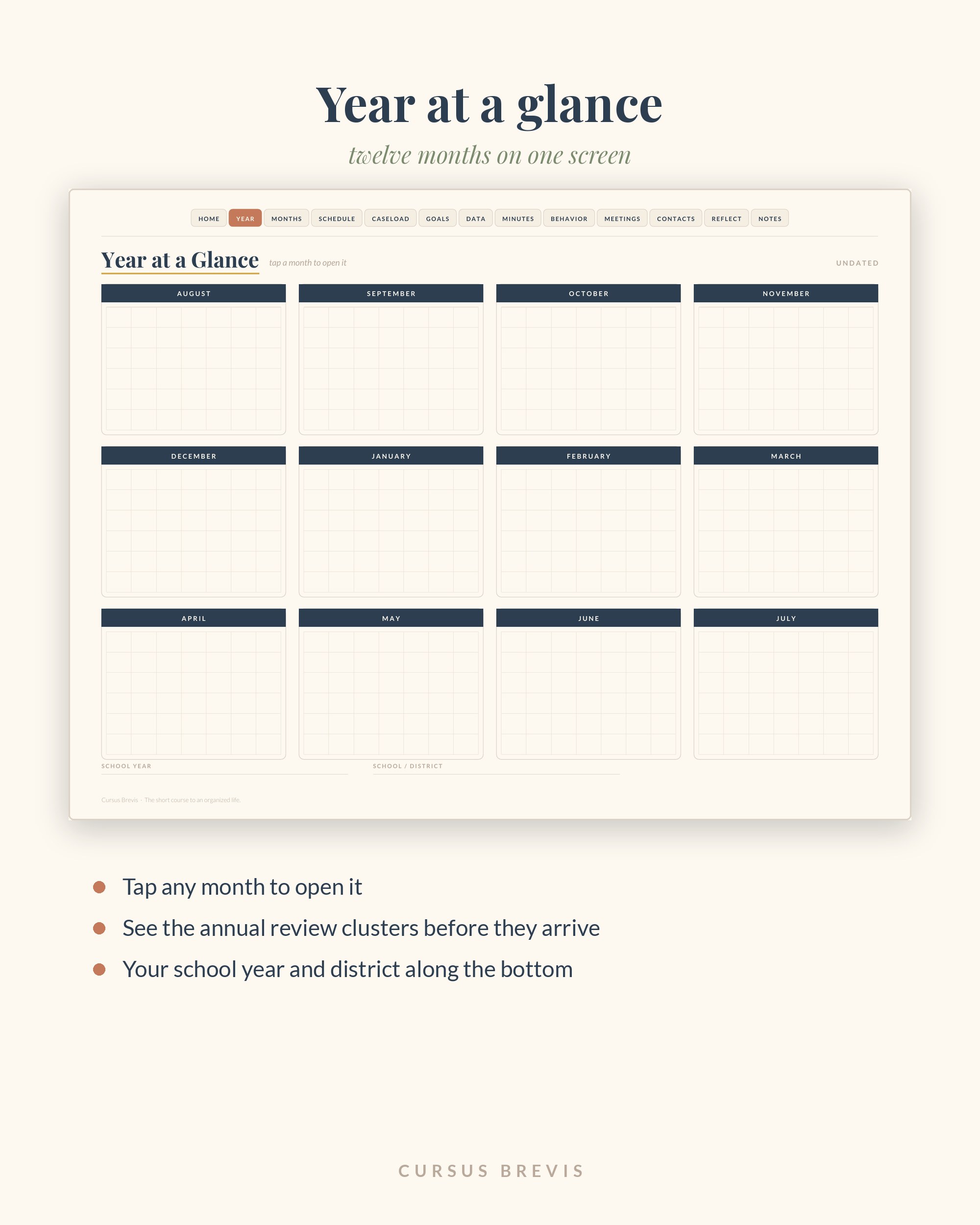
Tap CASELOAD and the whole roster opens — not one student. Every name links to that child's page, and every page links back.
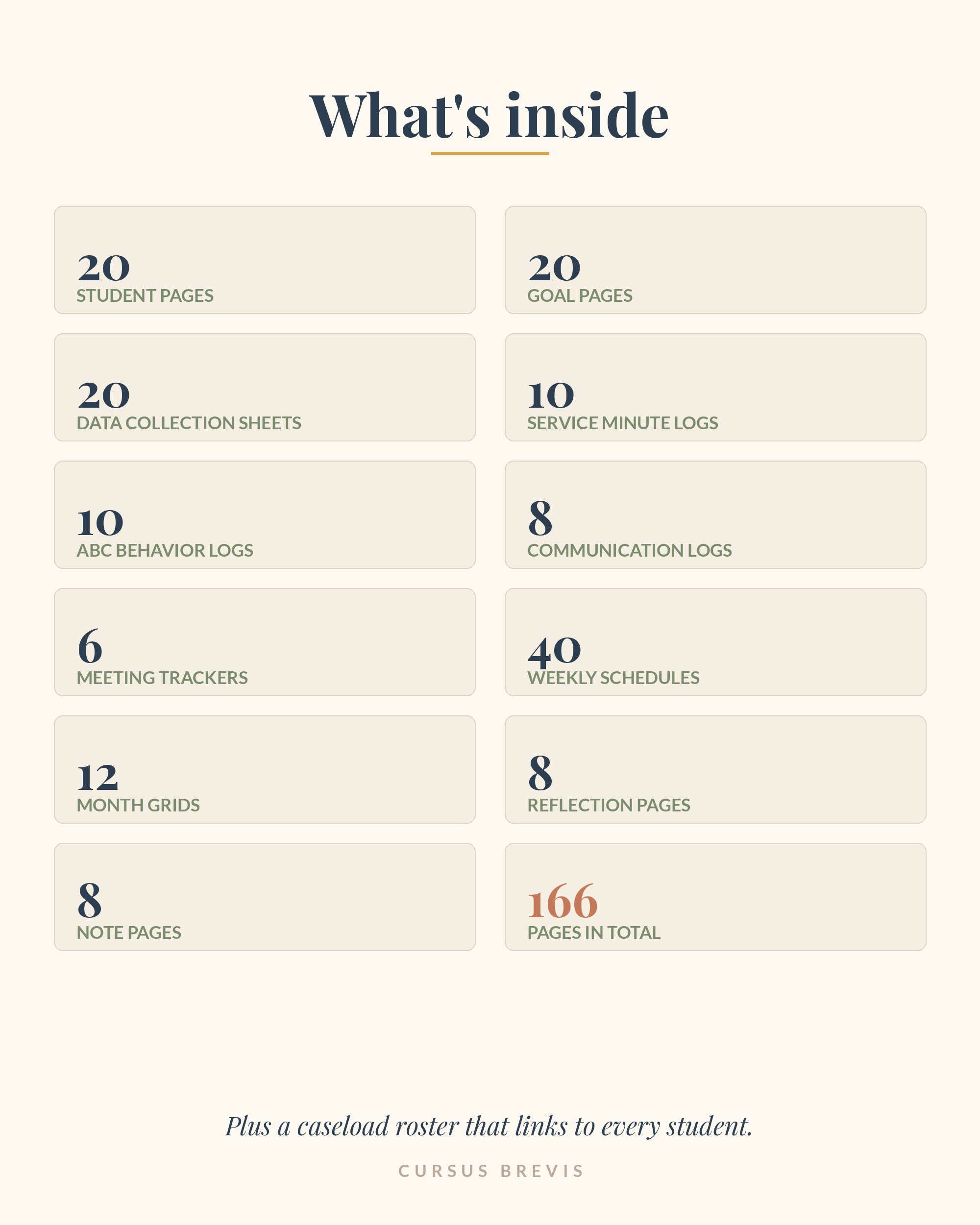
What's inside
The two things a general planner can't do
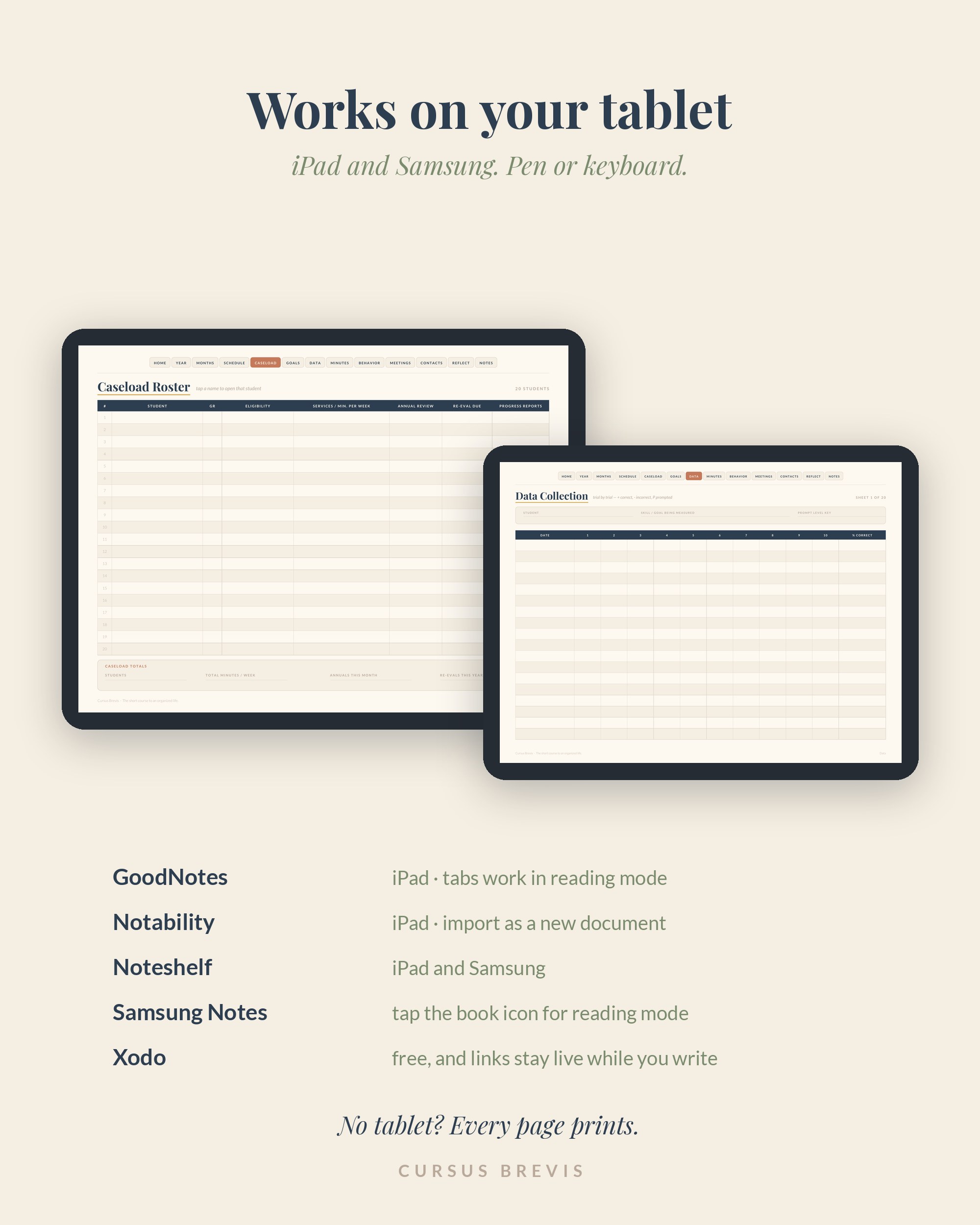
CASELOAD — tap it from any page and your whole roster opens, not one student. Every name links straight to that child's page, and every page links back to the roster. A general teacher planner is built around a class list; this one is built around a caseload.
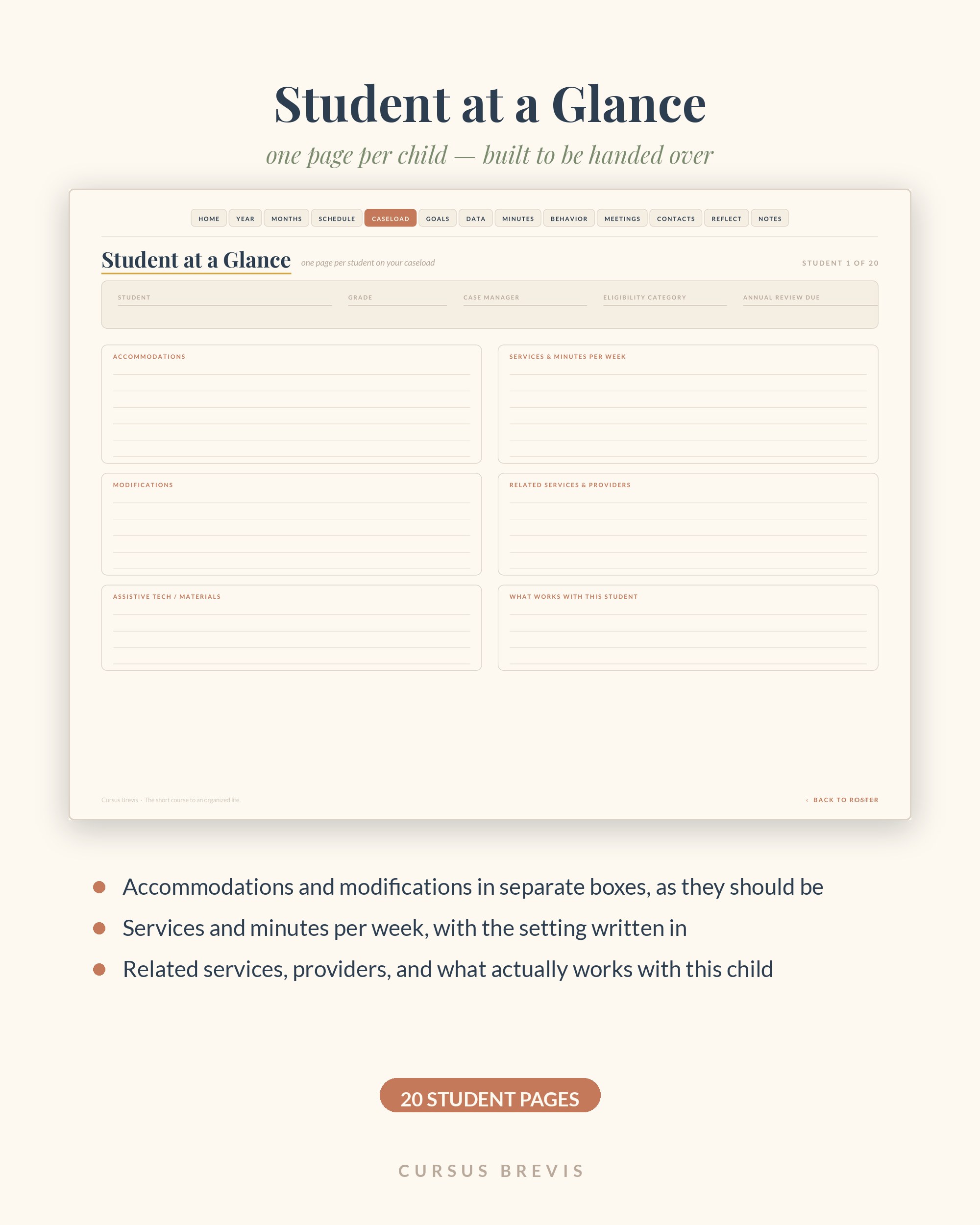
Student at a Glance — one page per child, built to be handed to a substitute or a related-service provider without a conversation first: accommodations and modifications in separate boxes, services and minutes, related providers, assistive tech, and what actually works with this student.
Twenty of these ship blank and waiting — the goal pages and data sheets are twenty each too, so your whole caseload has room from day one.
Before you buy
Any device you already own. Any PDF reader, on a phone, a tablet or a laptop. No app to install, no account to make, no subscription.
To handwrite on it, open it in GoodNotes, Notability, Noteshelf, Xodo or Samsung Notes and write with your stylus. Import it as a DOCUMENT, not as an image, or the tabs stop working.
To print it, print at Letter size with scaling off — the whole thing or just the pages you use, as many times as you like.
What this isn't: an official record. IEPs, progress reports and service logs that carry legal weight belong in your district's system — this is the page you actually work from, not a replacement for it. It will hold student names and disability information, so keep your device locked and the file off shared drives.
The fine print: one purchase covers one person or one classroom. Please don't share, resell or upload the file — this is a one-person shop, and buying your own copy is what keeps the next one getting made.
Free first
Both of these are free, and they stay free. It is the easiest way to find out whether the way I put things together actually helps you.
One small step each morning for five days — your landing spot, one calendar for the whole family, the week’s meals decided once, a fifteen-minute reset, and room made for prayer. Every step has a five-minute version for the days that get away from you.
A short guide built on the five forms of prayer the Catechism names — blessing, petition, intercession, thanksgiving and praise — for the times you want to pray and don’t know where to start. Yours to keep, print, or hand to someone else.
No credit card. No upsell wall. One click unsubscribes you and we’re still friends.
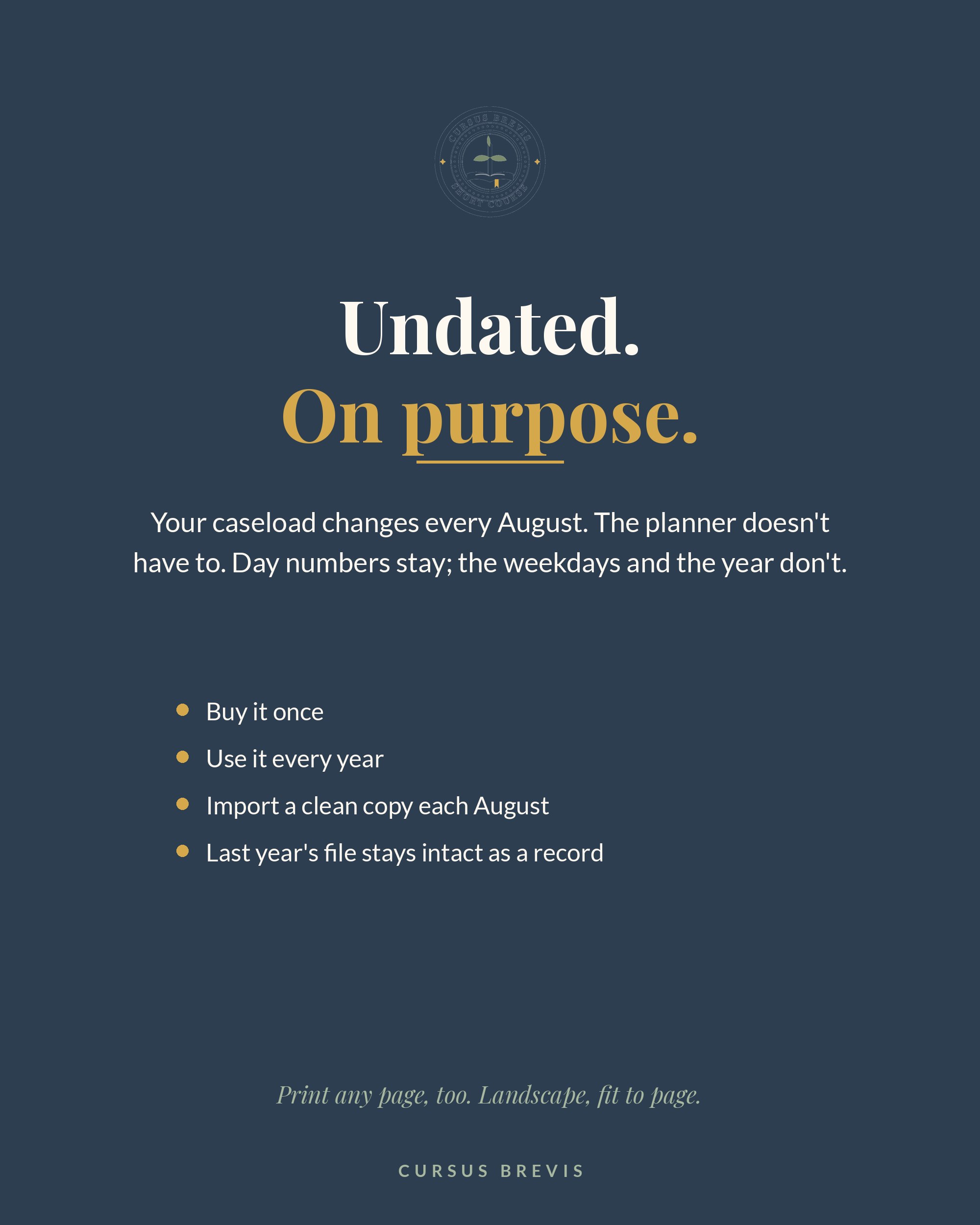
Your caseload changes every August. The planner doesn't have to.
Every date already in place. Just open and write.
Nothing in here can tell you that you're behind.
Five questions, ten minutes, and the day comes back.